How to Programmatically Identify Arbitrage Opportunities on Polymarket
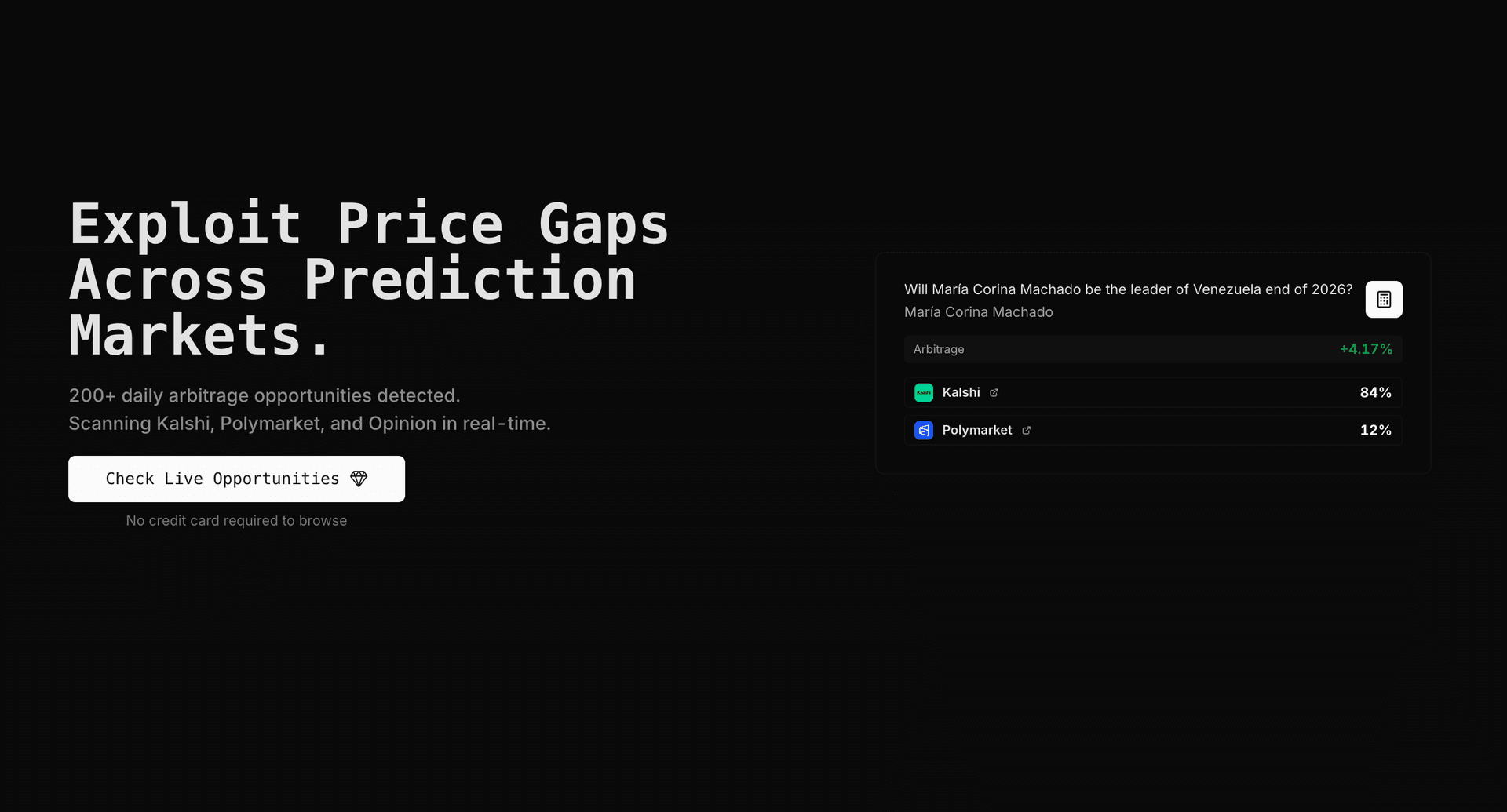
Find Polymarket arbitrage instantly with the ArbBets API. We scan Polymarket vs Kalshi and Polymarket vs Opinion every second — you get structured arbitrage data with a single API call.
TL;DR
The ArbBets API lets you programmatically detect Polymarket arbitrage with a single HTTP request. Two endpoints do all the heavy lifting: kalshi-polymarket-full finds Kalshi vs Polymarket arbs, and opinion-polymarket-full finds Opinion vs Polymarket arbs. Both return structured JSON with prices, ROI, and orderbook data — no need to connect to multiple platform APIs yourself. This guide covers authentication, both endpoints, response parsing, and building an automated scanner with working Python code.
Why Use the ArbBets API?
Building a cross-platform arbitrage detector from scratch means connecting to the Polymarket CLOB API, Kalshi's REST API, and Opinion's API separately, normalizing market names across platforms, matching equivalent contracts, and calculating spreads in real-time. That's months of engineering.
The ArbBets API does all of this server-side. You send one request, you get back every Polymarket arbitrage opportunity with prices and ROI already calculated.
| Approach | Setup Time | Maintenance | Coverage |
|---|---|---|---|
| Build from scratch | Weeks-months | Constant (API changes, market matching) | Whatever you build |
| ArbBets API | Minutes | Zero (we handle it) | Polymarket + Kalshi + Opinion |
According to ArbBets data, the API surfaces 100+ prediction market arbitrage opportunities daily, scanning across Polymarket, Kalshi, and Opinion continuously.
— Source: ArbBets real-time market data
Step 1: Get Your API Key
- Sign up at getarbitragebets.com
- Subscribe to a Premium or Enterprise plan
- Go to Dashboard → API to generate your API key
- Your key starts with
ak_— example:ak_3f8a1b2c4d5e6f...
You get 5,000 API credits per month on Premium. Both Polymarket endpoints cost just 1 credit per call — that's 5,000 requests per month.
Step 2: The Two Polymarket Endpoints
| Endpoint | What It Does | Credits |
|---|---|---|
/api/internal/kalshi-polymarket-full | Finds arbitrage between Kalshi and Polymarket with full orderbook data | 1 |
/api/internal/opinion-polymarket-full | Finds arbitrage between Opinion and Polymarket with full orderbook data | 1 |
Both endpoints accept the same query parameters:
| Parameter | Type | Description | Default |
|---|---|---|---|
investment | number | Your investment amount in dollars | 100 |
min_profit | number | Minimum profit percentage to return | 1.0 |
Authentication is via the Authorization: Bearer {apiKey} header on every request.
Step 3: Kalshi vs Polymarket Arbitrage
This is the primary endpoint for Polymarket arbitrage. It compares orderbooks across Kalshi and Polymarket and returns every opportunity where the combined cost of covering both sides is less than $1.00.
Python
import requests

API_KEY = "ak_your_api_key_here"

headers = {"Authorization": f"Bearer {API_KEY}"}
params = {"investment": 100, "min_profit": 1.0}

response = requests.get(
    "https://getarbitragebets.com/api/internal/kalshi-polymarket-full",
    headers=headers,
    params=params,
)

data = response.json()

print(f"Found {len(data)} Kalshi vs Polymarket opportunities\n")
for opp in data:
    print(f"Market: {opp.get('market_name', 'N/A')}")
    print(f"  ROI: {opp.get('roi', 'N/A')}%")
    print(f"  Polymarket price: {opp.get('polymarket_price', 'N/A')}")
    print(f"  Kalshi price: {opp.get('kalshi_price', 'N/A')}")
print()JavaScript
const API_KEY = "ak_your_api_key_here";

const params = new URLSearchParams({
  investment: "100",
  min_profit: "1.0",
});

fetch(
  `https://getarbitragebets.com/api/internal/kalshi-polymarket-full?${params}`,
  { headers: { Authorization: `Bearer ${API_KEY}` } }
)
  .then((res) => res.json())
  .then((data) => {
    console.log(`Found ${data.length} Kalshi vs Polymarket opportunities`);
    data.forEach((opp) => {
      console.log(`${opp.market_name}: ${opp.roi}% ROI`);
    });
});Node.js
const axios = require("axios");

const API_KEY = "ak_your_api_key_here";

const response = await axios.get(
  "https://getarbitragebets.com/api/internal/kalshi-polymarket-full",
  {
    headers: { Authorization: `Bearer ${API_KEY}` },
    params: { investment: 100, min_profit: 1.0 },
  }
);

console.log(`Found ${response.data.length} opportunities`);
response.data.forEach((opp) => {
  console.log(`${opp.market_name}: ${opp.roi}% ROI`);
});cURL
curl -H "Authorization: Bearer ak_your_api_key_here" \
"https://getarbitragebets.com/api/internal/kalshi-polymarket-full?investment=100&min_profit=1.0"Step 4: Opinion vs Polymarket Arbitrage
The second endpoint covers a different counterparty — Opinion. The API call is identical except for the path:
Python
import requests

API_KEY = "ak_your_api_key_here"

headers = {"Authorization": f"Bearer {API_KEY}"}
params = {"investment": 100, "min_profit": 1.0}

response = requests.get(
    "https://getarbitragebets.com/api/internal/opinion-polymarket-full",
    headers=headers,
    params=params,
)

data = response.json()

print(f"Found {len(data)} Opinion vs Polymarket opportunities\n")
for opp in data:
    print(f"Market: {opp.get('market_name', 'N/A')}")
    print(f"  ROI: {opp.get('roi', 'N/A')}%")
print()cURL
curl -H "Authorization: Bearer ak_your_api_key_here" \
"https://getarbitragebets.com/api/internal/opinion-polymarket-full?investment=100&min_profit=1.0"Step 5: Combine Both Endpoints for Full Coverage
To catch every Polymarket arbitrage opportunity, call both endpoints and merge the results. This costs 2 credits total:
import requests
from datetime import datetime

API_KEY = "ak_your_api_key_here"
BASE = "https://getarbitragebets.com"
HEADERS = {"Authorization": f"Bearer {API_KEY}"}
PARAMS = {"investment": 200, "min_profit": 1.0}

def fetch(endpoint: str) -> list:
    resp = requests.get(f"{BASE}{endpoint}", headers=HEADERS, params=PARAMS, timeout=30)
    if resp.status_code == 200:
        return resp.json() if isinstance(resp.json(), list) else []
    print(f"  {endpoint} returned {resp.status_code}")
    return []

# Fetch from both Polymarket endpoints
kalshi_poly = fetch("/api/internal/kalshi-polymarket-full")
opinion_poly = fetch("/api/internal/opinion-polymarket-full")

all_opps = kalshi_poly + opinion_poly
all_opps.sort(key=lambda x: float(x.get("roi", 0)), reverse=True)

print(f"=== Polymarket Arbitrage ({datetime.now().strftime('%Y-%m-%d %H:%M')}) ===\n")
print(f"Kalshi vs Polymarket:  {len(kalshi_poly)} opportunities")
print(f"Opinion vs Polymarket: {len(opinion_poly)} opportunities")
print(f"Total:                 {len(all_opps)} opportunities\n")

for i, opp in enumerate(all_opps[:10], 1):
    market = opp.get("market_name", "Unknown")[:55]
    roi = opp.get("roi", "?")
    print(f"  {i}. {market}")
print(f" ROI: {roi}%")Step 6: Build a Continuous Scanner
Here's a complete scanner that polls both endpoints on an interval, tracks new opportunities, and can trigger alerts:
import requests
import time
from datetime import datetime

API_KEY = "ak_your_api_key_here"
BASE_URL = "https://getarbitragebets.com"

SCAN_INTERVAL = 120   # seconds between scans (respect rate limits)
MIN_PROFIT = 2.0      # minimum ROI %
INVESTMENT = 500      # dollar amount per opportunity

HEADERS = {"Authorization": f"Bearer {API_KEY}"}
PARAMS = {"investment": INVESTMENT, "min_profit": MIN_PROFIT}

ENDPOINTS = [
    "/api/internal/kalshi-polymarket-full",
    "/api/internal/opinion-polymarket-full",
]


def scan_polymarket_arbs() -> list:
    """Fetch all Polymarket arbitrage from both endpoints."""
    all_opps = []
    for endpoint in ENDPOINTS:
        try:
            response = requests.get(
                f"{BASE_URL}{endpoint}",
                headers=HEADERS,
                params=PARAMS,
                timeout=30,
            )
            if response.status_code == 200:
                data = response.json()
                if isinstance(data, list):
                    all_opps.extend(data)
            elif response.status_code == 401:
                print("[ERROR] Invalid API key")
            elif response.status_code == 402:
                print("[ERROR] Out of credits")
            elif response.status_code == 429:
                print("[WARN] Rate limited — backing off")
                time.sleep(60)
        except requests.exceptions.RequestException as e:
            print(f"[ERROR] {endpoint}: {e}")
    return all_opps


def main():
    print("Polymarket Arbitrage Scanner (ArbBets API)")
    print(f"Endpoints: kalshi-polymarket-full + opinion-polymarket-full")
    print(f"Min ROI: {MIN_PROFIT}% | Investment: ${INVESTMENT}")
    print(f"Scanning every {SCAN_INTERVAL}s (2 credits per scan)")
    print("-" * 60)

    seen = set()

    while True:
        ts = datetime.now().strftime("%H:%M:%S")
        opps = scan_polymarket_arbs()

        for opp in opps:
            market = opp.get("market_name", "Unknown")
            roi = opp.get("roi", 0)

            if market not in seen:
                seen.add(market)
                print(f"\n[{ts}] NEW: {market}")
                print(f"  ROI: {roi}% | ${INVESTMENT} investment")

        print(f"[{ts}] {len(opps)} active Polymarket arbs")
        time.sleep(SCAN_INTERVAL)


if __name__ == "__main__":
main()This uses 2 credits per scan cycle (1 per endpoint). At 5,000 credits/month, you can run 2,500 scan cycles — over 80 per day on a 2-minute interval.
Step 7: Add Discord Alerts
Get notified the instant a new Polymarket arbitrage appears:
import requests as req

DISCORD_WEBHOOK = "https://discord.com/api/webhooks/your/webhook"

def send_discord_alert(opportunity: dict):
    """Send Polymarket arbitrage alert to Discord."""
    market = opportunity.get("market_name", "Unknown")
    roi = opportunity.get("roi", 0)

    req.post(DISCORD_WEBHOOK, json={
        "embeds": [{
            "title": f"Polymarket Arb: {roi}% ROI",
            "description": f"**{market}**",
            "color": 0x00FF00,
            "fields": [
                {"name": "ROI", "value": f"{roi}%", "inline": True},
                {"name": "Investment", "value": "$500", "inline": True},
            ],
            "footer": {"text": "ArbBets API • kalshi-polymarket-full + opinion-polymarket-full"},
        }]
})Wire it into the scanner by replacing the print in the if market not in seen: block with send_discord_alert(opp).
API Response Codes
| Code | Meaning | What To Do |
|---|---|---|
| 200 | Success — JSON array of opportunities | Parse and process |
| 401 | Invalid or missing API key | Check Authorization: Bearer ak_... header |
| 402 | Out of credits | Upgrade plan or wait for monthly reset |
| 429 | Rate limited (15 requests / 5 minutes) | Back off, retry after 60 seconds |
| 503 | Backend temporarily unavailable | Retry in a few minutes |
Credit Math
Both Polymarket endpoints cost 1 credit each. Here's what your monthly budget looks like:
| Scan Frequency | Credits Per Day | Days Per Month | Total Credits |
|---|---|---|---|
| Every 5 min (both endpoints) | 576 | 30 | 17,280 (Enterprise) |
| Every 5 min (one endpoint) | 288 | 30 | 8,640 (Enterprise) |
| Every 10 min (both endpoints) | 288 | 30 | 8,640 (Enterprise) |
| Every 2 min (both endpoints) | 1,440 | 30 | 43,200 (Enterprise) |
| Every 15 min (both endpoints) | 192 | 30 | 5,760 (Premium) |
| Every 30 min (both endpoints) | 96 | 30 | 2,880 (Premium) |
On Premium (5,000 credits/month), scanning both endpoints every 15 minutes gives you all-day coverage with credits to spare.
Get your API key and start finding Polymarket arbitrage programmatically. Get API access →
Frequently Asked Questions
How much does the ArbBets API cost?
kalshi-polymarket-full and opinion-polymarket-full — cost just 1 credit each. On Premium, you can call both endpoints over 2,500 times per month.What is the rate limit?
Do I need accounts on Polymarket and Kalshi to use the API?
How fresh is the data?
Can I use this to build my own trading bot?
kalshi-polymarket-full and opinion-polymarket-full for signal detection, then use Polymarket's CLOB API and Kalshi's REST API directly for order execution. The ArbBets API handles the expensive part — scanning, matching markets across platforms, and calculating spreads — so you can focus purely on execution.